Overview of the LED display of the charging case
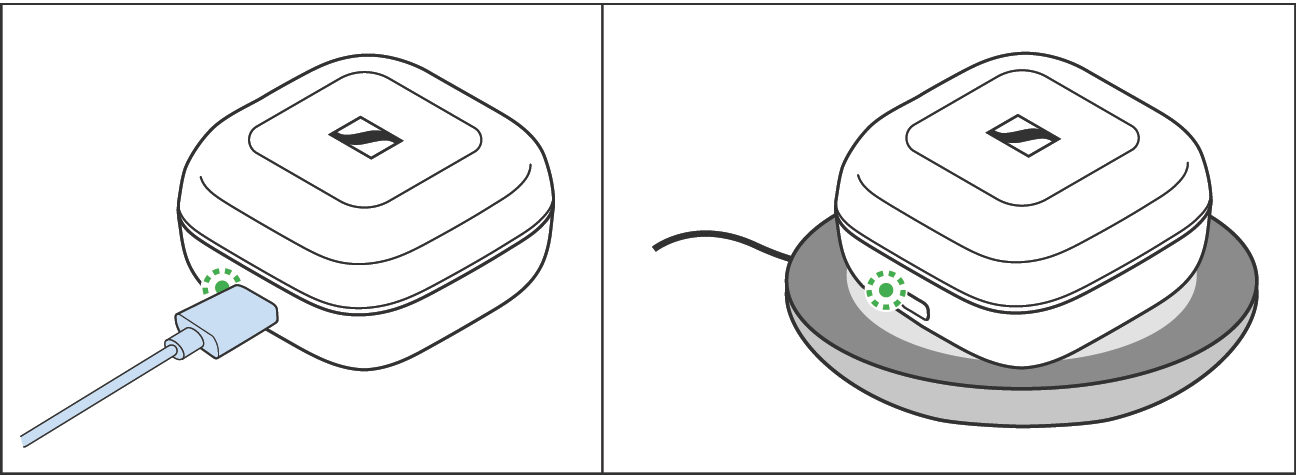
When a USB cable is connected or the charging case is placed on a wireless charging pad, the LED display of the charging case permanently displays the charging process:
LED | Charging case WITH earbuds inserted | Charging case WITHOUT earbuds inserted | |
|---|---|---|---|
| pulses yellow | Earbuds and charging case are being charged. | Charging case is being charged. |
| lights up green | Earbuds and charging case are fully charged. | Charging case is fully charged. |
| flashes red | At least one earbud has a charging error/battery error (> Information on the built-in rechargeable battery). | Charging case has a charging error/battery error (> Information on the built-in rechargeable battery). |



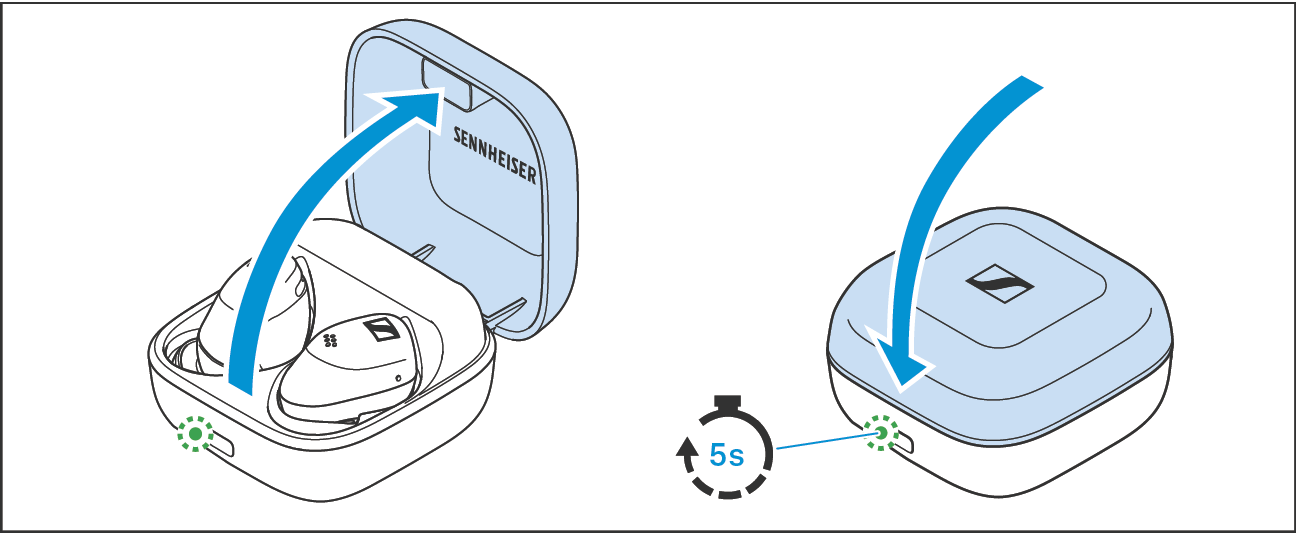
If you open the lid of the charging case and no USB cable is connected or the charging case is not placed on a wireless charging pad, the LED display of the charging case displays the battery charge status or the charging process of the earbuds. If you close the lid of the charging case, the LED display goes off after 5 seconds.
LED | Charging case WITH earbuds inserted | Charging case WITHOUT earbuds inserted | |
|---|---|---|---|
| lights up green | Earbuds are fully charged, charging case is more than 50 % charged. | Charging case is more than 50 % charged. |
| pulses yellow | Earbuds are being charged via the rechargeable battery of the charging case. | – |
| lights up yellow | Earbuds are fully charged, charging case is less than 50 % charged. | Charging case is charged less than 50 %. |
| lights up red | Rechargeable batteries of the earbuds and the charging case are almost empty. | Rechargeable battery of the charging case is almost empty. |
| flashes red | At least one earbud has a charging error/battery error (> Information on the built-in rechargeable battery). | Charging case has a charging error/battery error (> Information on the built-in rechargeable battery). |


 | If the LED display does not light up: •Clean the contacts on the earbuds and in the charging case (> Care and maintenance of the earbuds/charging case). •Make sure that the charging case rests on the wireless charging pad (maximum distance 3 mm). •Wait for at least 10 seconds. With some wireless charging pads the charging process starts delayed. •Observe the installation instructions of the wireless charging pad and make sure that no electromagnetic fields or materials influence the charging pad (see instruction manual of the wireless charging pad). •Charge the rechargeable batteries of the charging case and the earbuds until the LED display lights up again (at least 30 minutes) (> Charging the rechargeable batteries using the USB cable). |