Changing the noise settings
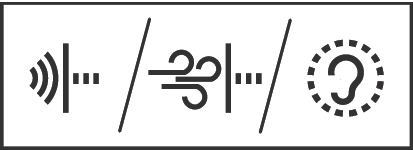
Depending on the situation in which you use the earbuds, you can choose between three different modes to cancel out ambient sounds to a greater or lesser extent. Effective noise cancellation is also possible in windy conditions or during fast movements.
ANC Mode
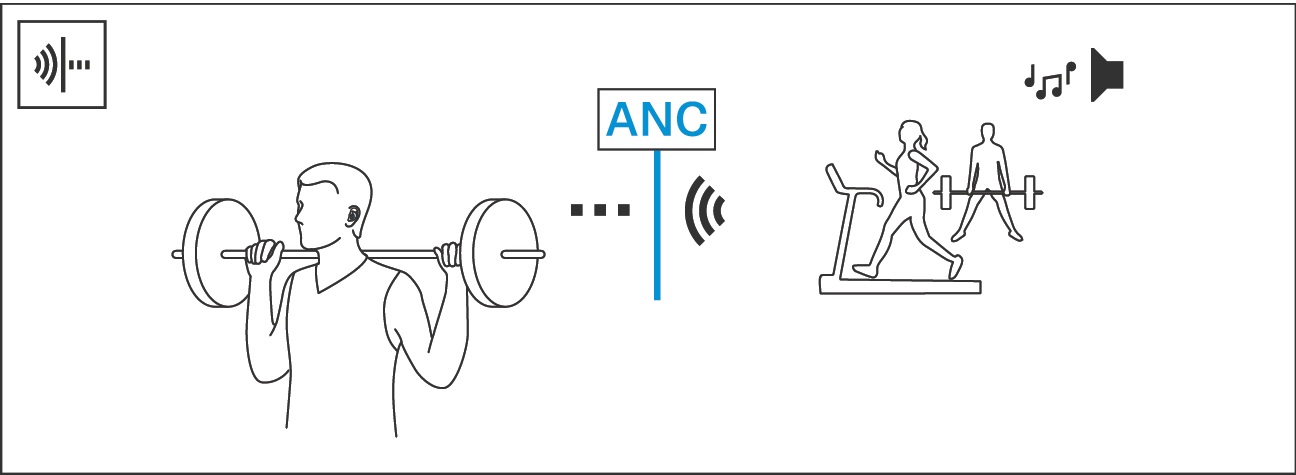
Noise setting | Effect | Application example |
|---|---|---|
ANC Mode* | Active noise cancellation is fully active. | In the gym or while relaxing at home |
*default setting
Anti-wind Mode
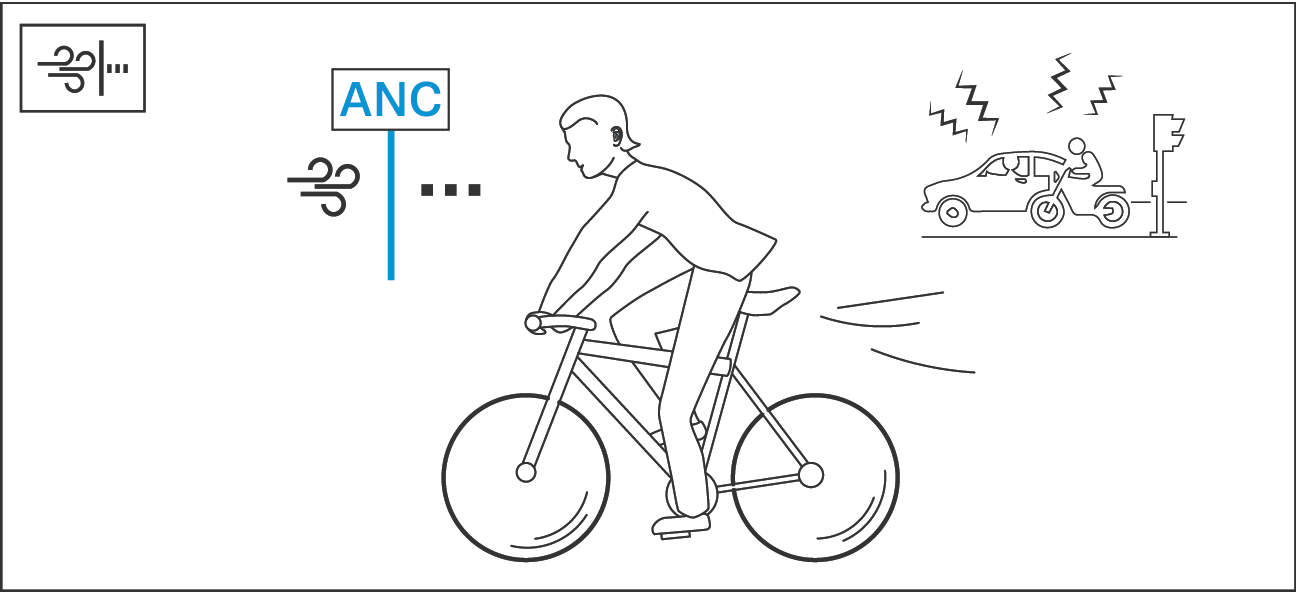
Noise setting | Effect | Application example |
|---|---|---|
Anti-wind Mode | Disturbing wind or movement noise is minimized, while a small amount of ambient sounds remains audible. | For high-speed sports or running in windy conditions |
Transparency Mode
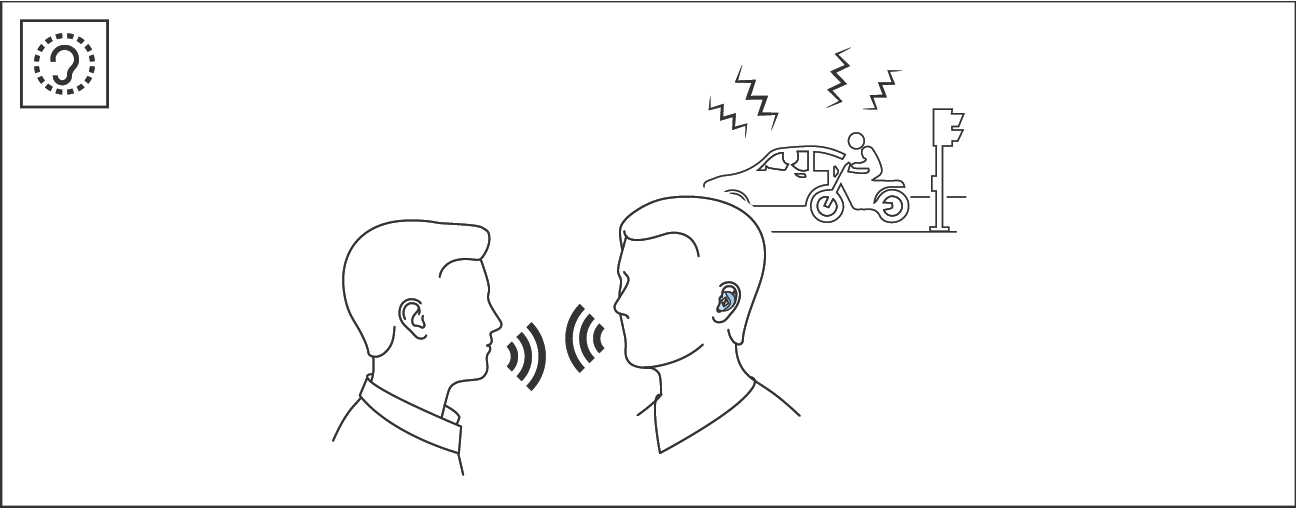
Noise setting | Effect | Application example |
|---|---|---|
Transparency Mode | Audio playback is mixed with ambient sounds. | During conversations or when moving in traffic |
Changing the mode
 | Information on operating the earbuds via Tap control can be found here: page > Tap control |
To change the noise settings:
Briefly tap 3x on the control panel or near the left earbud.
The earbuds switch between the modes ANC, Anti-wind and Transparency.
Depending on your selection, you hear the voice prompt “ANC”, “Anti-wind” or “Transparency”.
| When the Transparency Mode is activated, you can also use the Smart Control app to •adjust the intensity of the mode (low, medium or high), •activate the automatic playback pause so that you only hear ambient sounds (see page > Adjusting the playback pause in the Transparency Mode). |
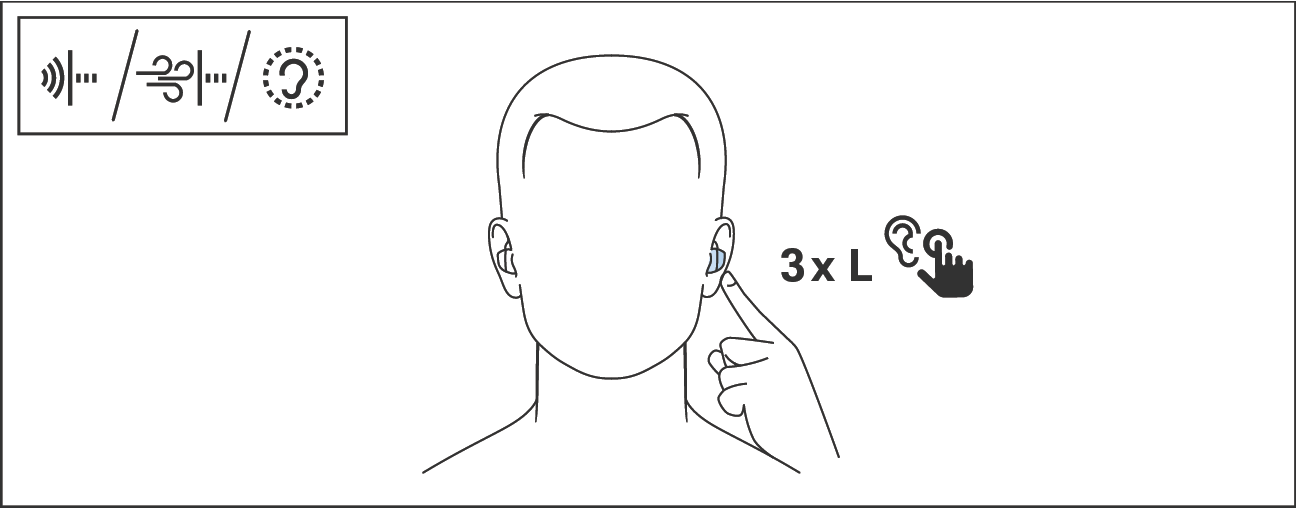
Control | Left earbud |
|---|---|
3 x Tap control |
Noise settings |

| You can also change the noise setting using the Smart Control app. |
| For phone calls, the “Transparency during phone calls” function is activated by default to ensure the best possible voice quality and to allow you to hear your own voice through the earbuds. You can adjust the intensity of this function in three levels via the Smart Control app (in the “Phone calls” area under “Noise settings”): low, medium or high. |