Care and maintenance of the earbuds/charging case
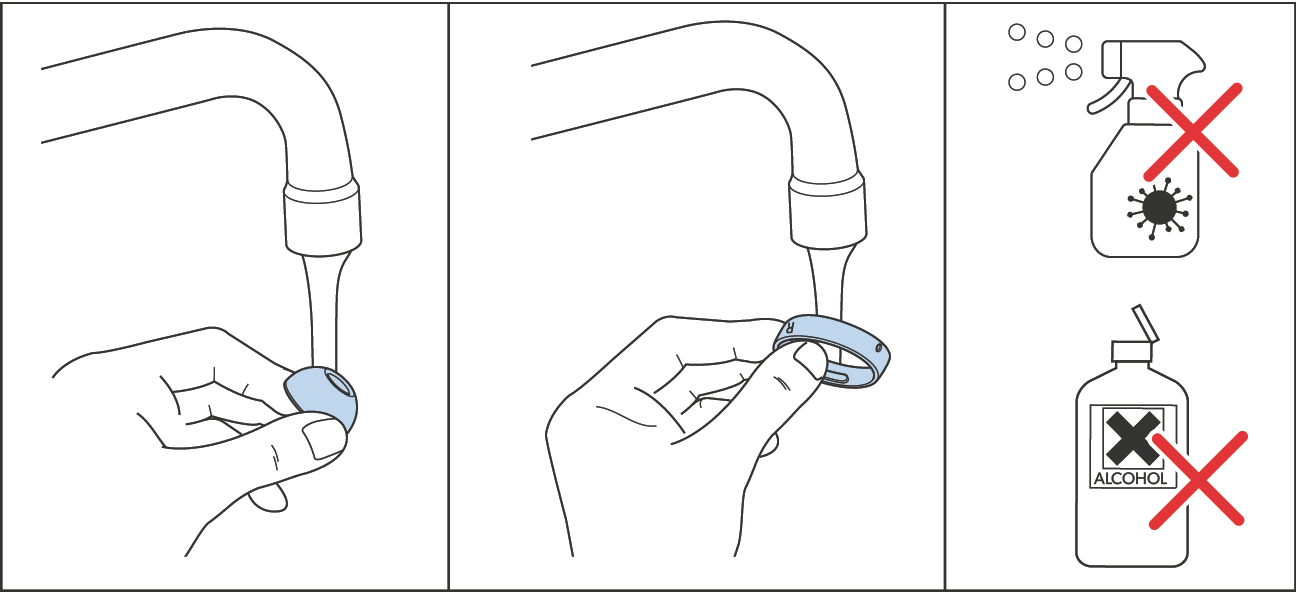
ATTENTION Liquids can damage the electronics of the product! Liquids entering the housing of the product can cause a short-circuit and damage the electronics. ▷Keep all liquids far away from the product. ▷Do not use any solvents or cleansing agents. |
Cleaning after each use
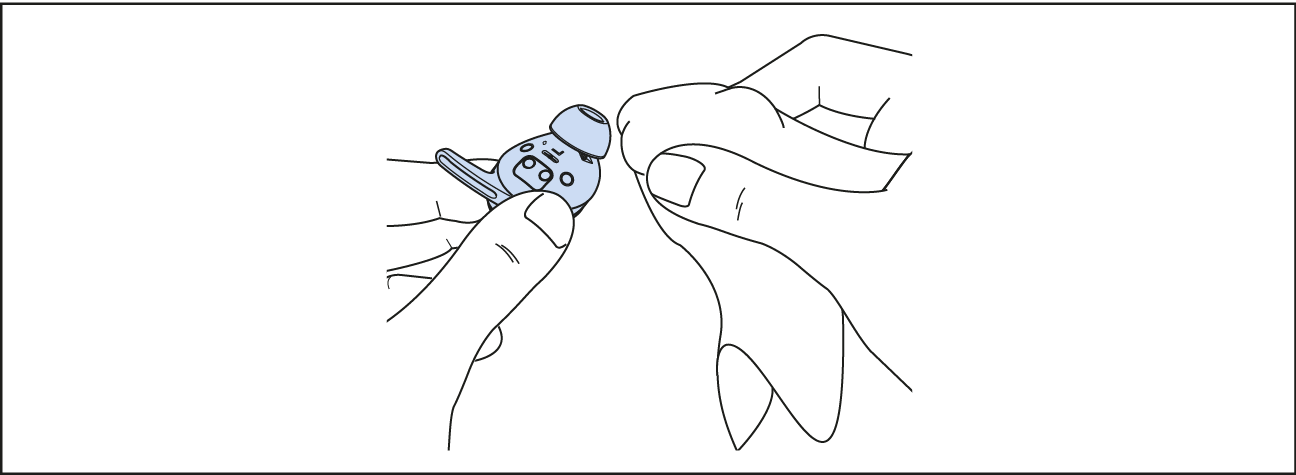
Clean the earbuds with a slightly damp cloth.
If the charging case has become damp or wet:
Dry the outside of the charging case with a dry cloth.
Open the charging case and dry both charging compartments, especially the charging contacts, with a dry, lint-free cloth.
Open the cover of the USB socket on the charging case.
Leave the charging case open and dry at room temperature before using and charging it again.
If the earbuds have become damp or wet:
Dry the charging contacts of both earbuds with a dry, lint-free cloth.
Remove the ear tips and ear fins and dry them with a dry cloth.
Allow the ear tips and ear fins to dry at room temperature before reattaching them to the earbuds.
Weekly cleaning
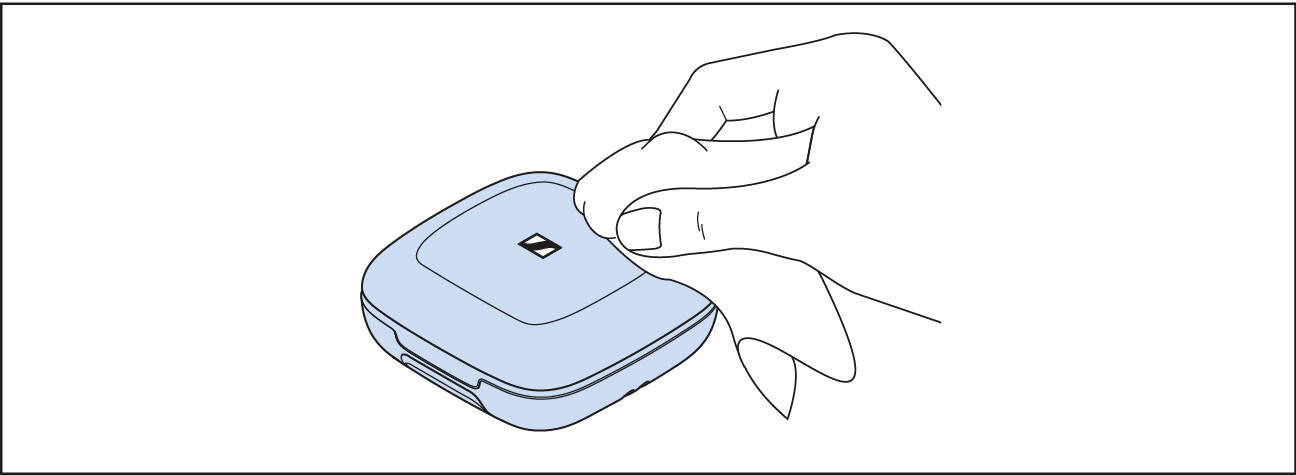
Clean the charging case with a soft, dry cloth.
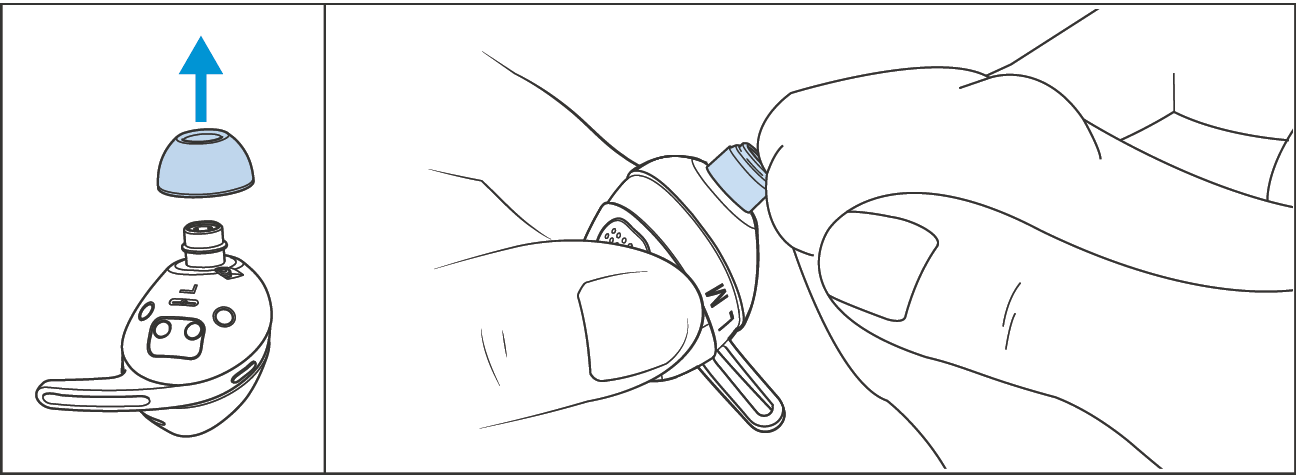
Remove the ear tips from the earbuds’ in-ear sound tunnels.
Lightly wipe the openings of the in-ear sound tunnels with a dry, soft and lint-free cloth to remove any dirt above the protective fabric. Avoid damaging the protective fabric within the in-ear sound tunnels to prevent dirt or debris from entering the electronics.
Clean the silicone ear tips and silicone ear fins. To do so, hold them under lukewarm running water.
Allow the ear tips and ear fins to dry completely at room temperature before re-attaching them to the earbuds.
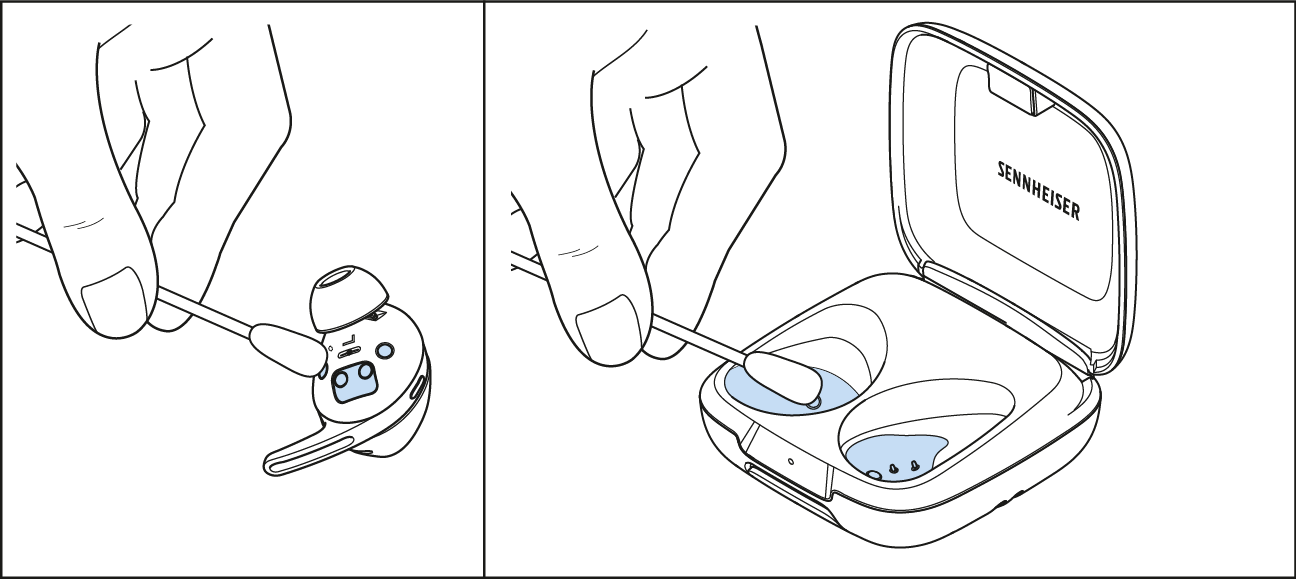
Clean the charging contacts on the earbuds and in the charging case from time to time, e.g. with a cotton swab.
ATTENTION Danger of damage to the USB socket! When using hard, sharp or excessively large objects for cleaning, the contacts of the USB socket on the charging case can be bent and destroyed. ▷Do not use any metal objects such as safety pins or paper clips when cleaning. ▷Do not use sharp objects such as the tip of a pocket knife or scissors. ▷Use objects made from non-conductive, flexible material, e.g. an interdental brush. |
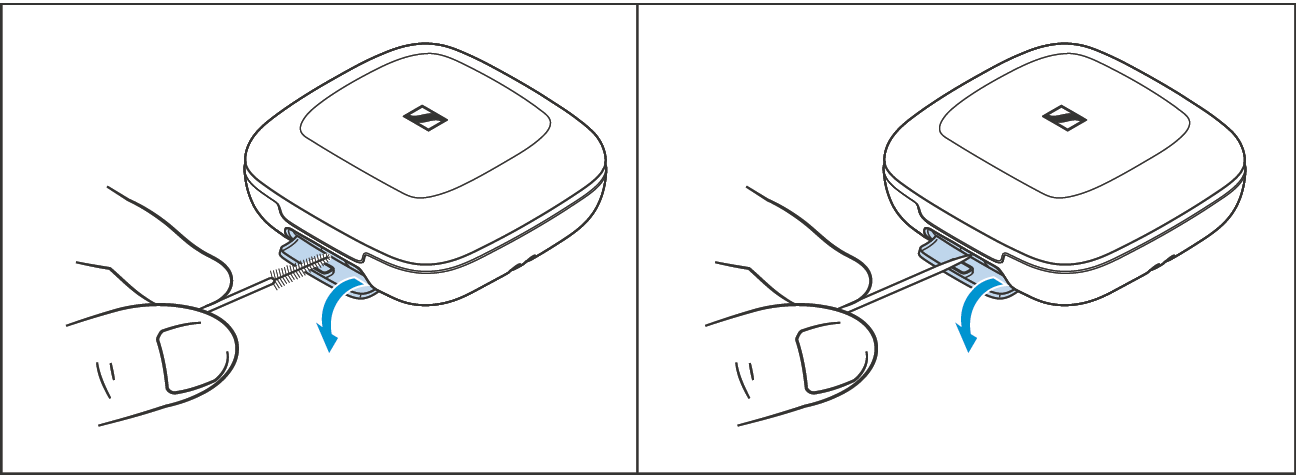
To remove any dirt such as dust accumulation or lint from the USB socket of the charging case:
Open the cover of the USB socket.
Carefully swipe a fine object (e.g. toothpick or interdental brush) through the opening of the socket.